Grange Mobile
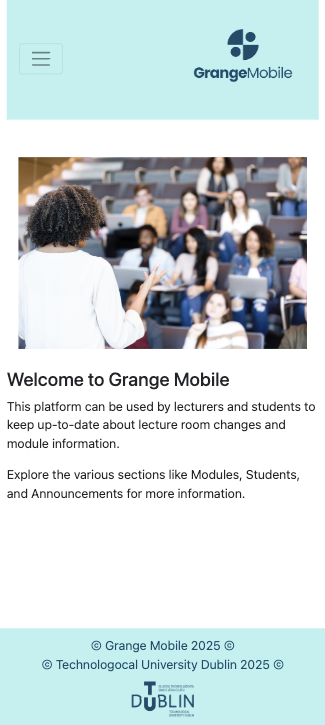
GrangeMobile is a prototype mobile campus application designed to help lecturers, students, and administrators manage module information and communicate important updates.
The app allows lecturers to view scheduled modules, update lecture room assignments, and send announcements to students when changes occur.
Role: UX Designer & Developer
Tools: HTML, CSS, JavaScript, jQuery, Bootstrap, JSON
Project Type: University Project
Problem
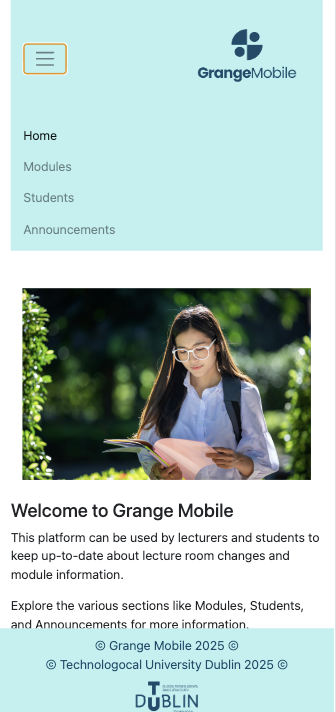
University lecturers often need to communicate last-minute lecture changes, such as room updates. Without a central communication system, students may miss important information or arrive at the wrong location.
The goal of this project was to design a mobile-friendly application that enables lecturers to quickly update lecture information and notify students efficiently.

The Solution
GrangeMobile provides a central platform where lecturers can:
View modules and scheduled lecture rooms
Update lecture locations when changes occur
View students enrolled in their modules
Send announcements to notify students about updates
This reduces confusion and ensures students receive timely information about their classes.
Key Features
Module & Room Management
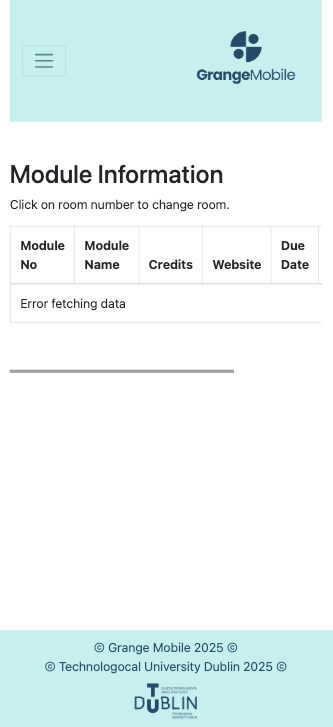
Lecturers can view a list of modules along with their assigned lecture rooms. The system retrieves module data using JSON and displays it in a responsive table.
Lecturers can select a module and update the room assignment through a modal input window.
Announcement System
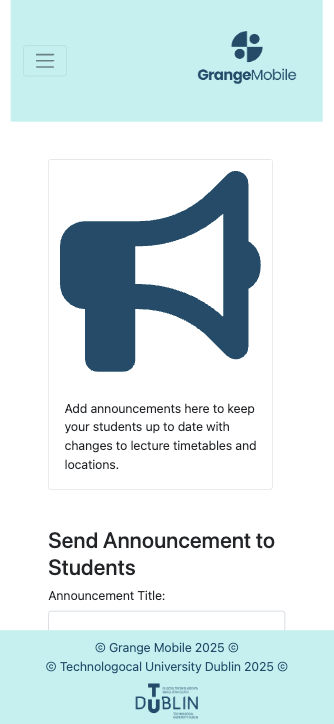
Lecturers can create and send announcements informing students of room changes or other important updates.
Messages include:
Announcement title
Message content
Timestamp
Announcements are dynamically displayed in the app once submitted.
Student List & Targeted Messaging
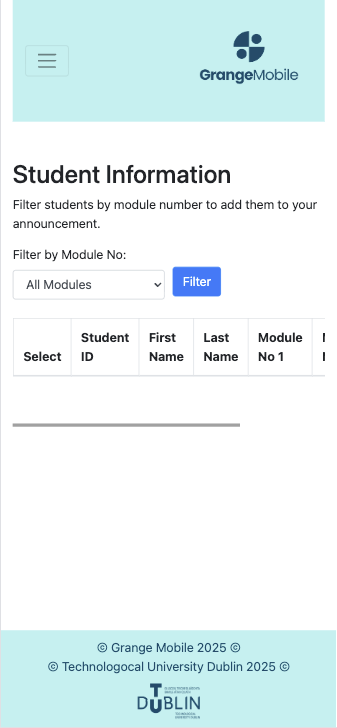
The app allows lecturers to view a list of students enrolled in each module.
Using selectable checkboxes, lecturers can optionally target specific students when sending announcements. This provides flexibility for communicating with the entire class or smaller groups.
Interaction Design
The app uses several interactive components to improve usability:
Responsive tables for displaying module and student data
Modal windows for editing room assignments
Checkbox selections for targeted announcements
Dynamic content loading using JSON and AJAX calls
These interactions allow lecturers to quickly update information and communicate with students.